
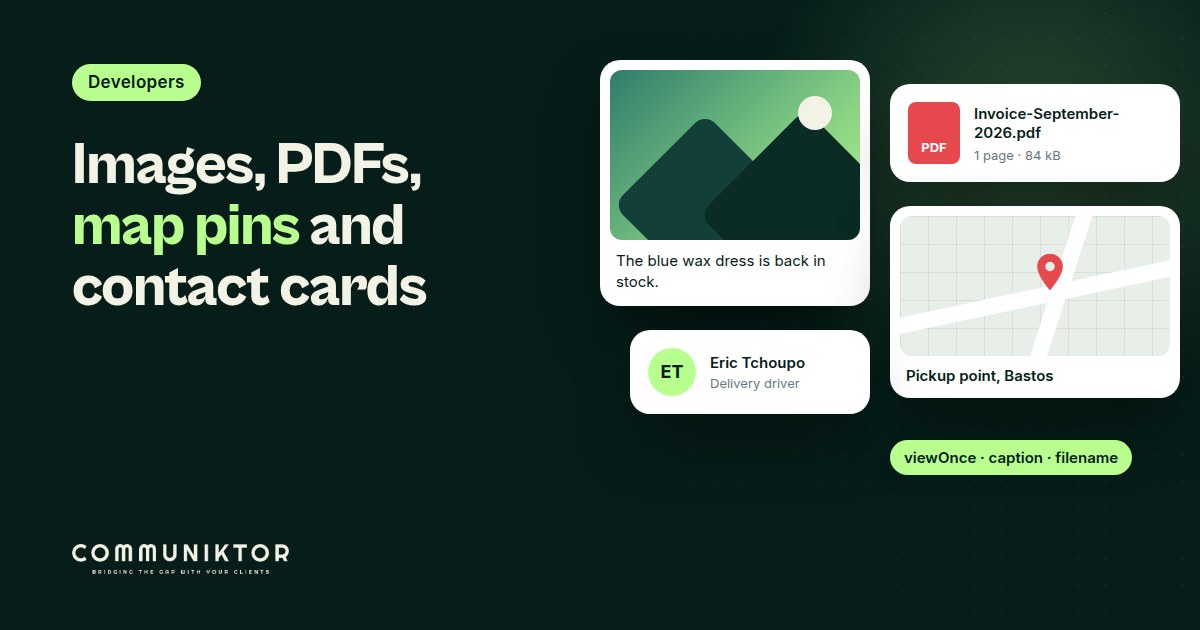
Text gets you far, but some messages are better as something else: a product photo, a PDF invoice, a pin on the map, a contact card for your delivery driver. The Communiktor API has an endpoint for each, and they all work the same way. This article goes through them with ready-to-copy examples.
One rule for all media: a public URL
You never upload a file to the API. You give it a URL, and Communiktor downloads the file and sends it on WhatsApp. That keeps requests small (the request body is limited to 1 MB) and lets you send files you already host.
For this to work, the URL must:
- be reachable from the internet, without a login (private addresses like
192.168.x.xare refused); - return the right
Content-Type, such asimage/jpegorapplication/pdf; - stay valid until the message is sent. If you use temporary signed links, give them a comfortable lifetime, and for a message scheduled for next week, make sure the link still works next week.
Images
POST /messages/image, with an optional caption shown under the picture:
{
  "instance": "YOUR_INSTANCE_ID",
  "receiver": "237670000000",
  "url": "https://shop.example.com/products/wax-dress-blue.jpg",
  "caption": "The blue wax dress is back in stock, sizes S to XL. Reply with your size to reserve one."
}
A good product photo with a short caption and a clear next step often works better than a long text.
Documents
POST /messages/document is the one for invoices, receipts, price lists and contracts. Set filename, otherwise the customer sees whatever name your server gives the file:
{
  "instance": "YOUR_INSTANCE_ID",
  "receiver": "237670000000",
  "url": "https://billing.example.com/files/inv-2026-0917.pdf",
  "filename": "Invoice-September-2026.pdf",
  "caption": "Your invoice for September. Thank you!"
}
Video and audio
POST /messages/video takes the same fields as an image. POST /messages/audio sends an audio file, and with "asNote": true it arrives as a voice note, the way it would if you had recorded it in the chat:
{
  "instance": "YOUR_INSTANCE_ID",
  "receiver": "237670000000",
  "url": "https://cdn.example.com/audio/welcome-message.ogg",
  "asNote": true
}
Voice notes are popular with customers who prefer listening to reading. A 20-second welcome message recorded by the shop owner feels a lot warmer than a paragraph.
View once
Images, videos, audio and documents accept "viewOnce": true: the recipient can open the media one time, then it disappears from the chat. It is useful for things like a temporary access code shown as an image. Do not use it for invoices or anything the customer will want to keep.
Locations
POST /messages/location drops a pin that opens straight in the recipient's maps app. Use it for a shop, a pickup point, or a meeting place for a delivery:
{
  "instance": "YOUR_INSTANCE_ID",
  "receiver": "237670000000",
  "location": {
    "latitude": 3.8667,
    "longitude": 11.5167,
    "name": "Pickup point - Bastos",
    "address": "Bastos, Yaoundé"
  }
}
Coordinates are in decimal degrees. You can copy them from Google Maps with a long press on the spot.
Contact cards
POST /messages/vcard sends a contact the recipient can save in one tap. It is handy to introduce the driver who will deliver the parcel, or the colleague who takes over a file:
{
  "instance": "YOUR_INSTANCE_ID",
  "receiver": "237670000000",
  "name": "Your delivery driver",
  "contact": {
    "fullname": "Eric Tchoupo",
    "phone": "237690000000",
    "organization": "Example Shop"
  }
}
Everything else still applies
Every one of these endpoints also accepts the options you may already use with text:
sendsAtto schedule the message for later;metadatato get your own identifiers back in the webhooks;group: trueto send to a WhatsApp group instead of a person.
And when a customer sends you a photo or a document, you are told through the message.incoming webhook, with its type and MIME type.
The messages documentation has the full list of fields for each type, with examples in six languages.