
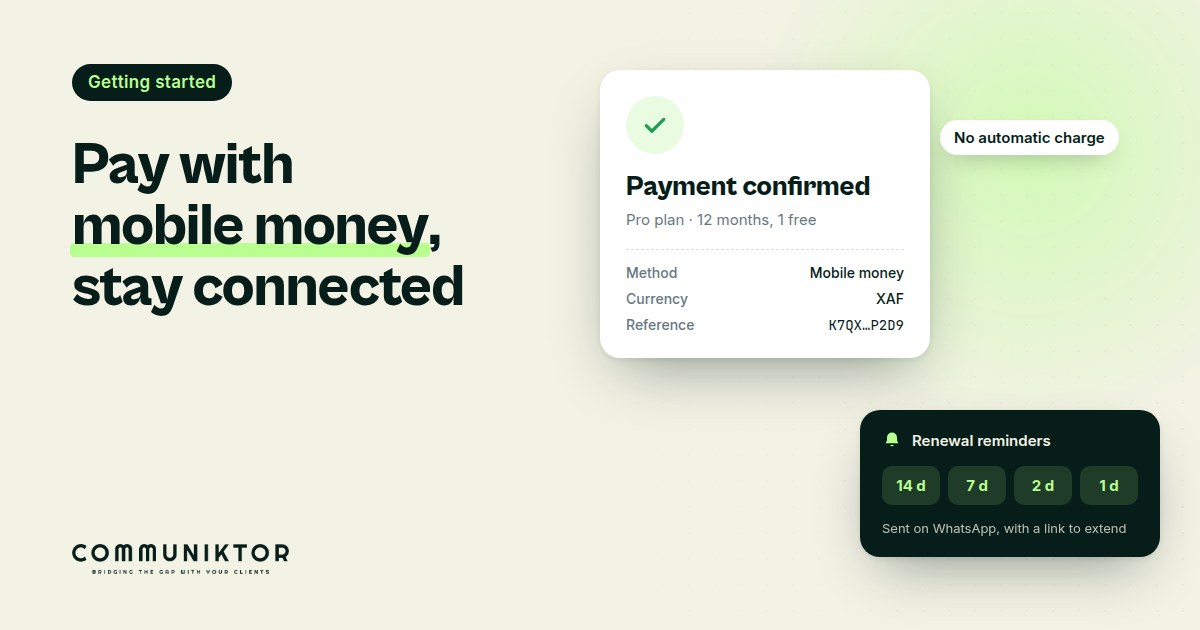
Communiktor is paid by mobile money, in CFA francs, with no card and no automatic charge. This article explains how payments work, how to extend a subscription before it ends, and what happens if you let it run out, so your number never stops sending at a bad moment.
Start with the free trial
Every account can try any plan for 7 days, once, without entering payment details. Use it to link your number, send a few messages and check that everything fits your needs. When the trial ends, nothing is charged: you decide whether to subscribe.
One subscription per number
A subscription covers one WhatsApp number, whatever the number of messages you send. If you run two numbers, a sales line and a support line for example, each one has its own subscription.
You can pay monthly or yearly. A year costs 11 months instead of 12, which is the best price if you already know you will keep the service. The prices are shown on the pricing page and again before you pay.
Paying with mobile money
The payment takes a minute:
- In the dashboard, open Subscriptions and choose the plan and the period.
- You are taken to our payment partner's page. Enter the mobile money number you want to pay with.
- Confirm the payment on your phone, with your mobile money PIN.
- Back in Communiktor, the subscription is active as soon as the payment is confirmed.
Your PIN and your mobile money details stay with the payment partner and your operator: Communiktor never sees them.
Each payment appears under Payments, with its own reference. Keep it somewhere handy: it is the first thing we will ask for if you ever need help with a payment.
If a payment does not go through, check that the account has enough balance for the amount, then try again a few minutes later. A payment that failed on our side is never lost money: if you were charged without your subscription being activated, write to us with the reference and we sort it out.
No automatic renewal
Subscriptions do not renew on their own. We think that is fairer, especially with mobile money, but it means you have to extend it yourself. To make sure you do not forget, the owner of the team gets a WhatsApp reminder 14 days, 7 days, 2 days and 1 day before the end date, with a link to extend it.
To extend, open the subscription in the dashboard, choose how many months to add, and pay the same way. Every 12 months you add, one is free: extend by a year and you pay for 11.
What happens if it runs out
If the end date passes without an extension:
- On the end date, the number is unlinked from the instance. Messages stop going out, and webhooks stop.
- Two days later, the instance is deleted, along with its settings.
Your WhatsApp account itself is not affected: it keeps working on your phone as before. To use Communiktor again, you create a new instance and link the number once more, which takes a couple of minutes. If your app sends important messages, like order updates or reminders, extending a few days early is the safer habit.
Refunds
A payment that went wrong, charged twice or not activated, is refunded in full. A yearly plan can be refunded within 14 days of payment, minus the months already started, counted at the monthly price. The refund policy explains every case and how to ask.
Any other question about billing? Write to us from the contact page, with your payment reference if you have one, and someone from the team will answer.